Deleting your account
Permanently delete your Klang account and all associated data.
You can delete your Klang account from your account settings. This permanently removes your account and all data associated with it.
Requirements
You can only delete your account yourself if all of the following are true:
- You are on the free or trial plan
- You belong to only one workspace
- You are the only member of that workspace
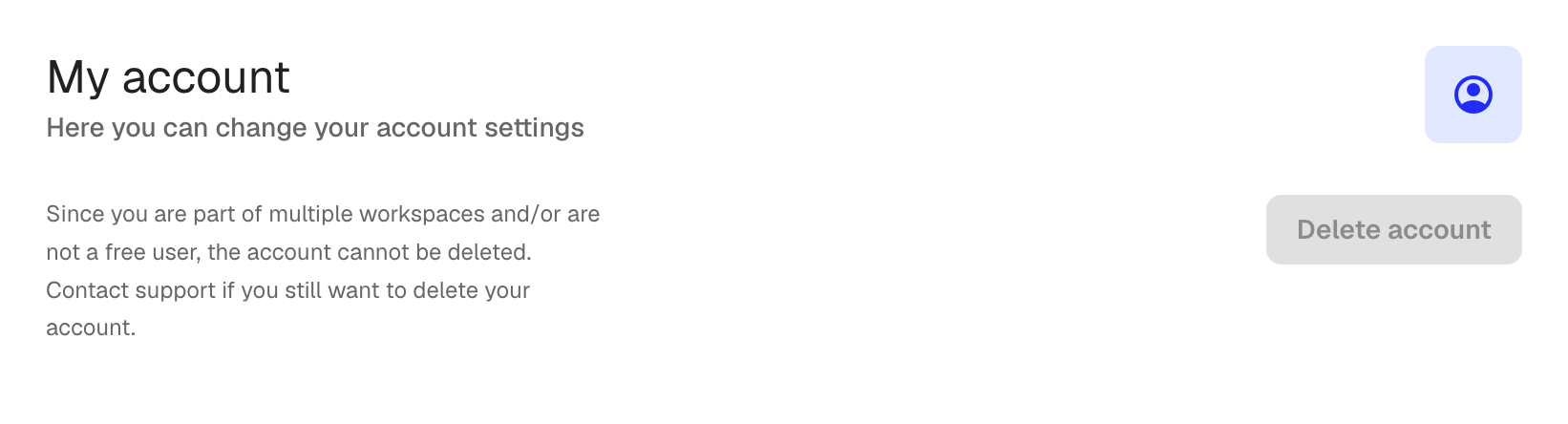
If any of these conditions are not met, the Delete account button is disabled. In that case, contact support at support@klang.ai to request account deletion.
How to delete your account
- Open Settings → My account → Delete account
- Click the Delete account button
- In the confirmation dialog, type DELETE in the text field
- Click Delete account to confirm
What gets deleted
Deleting your account removes:
- Your user profile and login credentials
- All files, transcriptions, and documents in your workspace
- All analyses and their results
This action cannot be undone.
Paid subscriptions
If you have an active paid subscription, cancel it first before deleting your account. Contact support if you need help with this process.
Was this article helpful?
Your feedback helps us improve our documentation.
Suggested Articles
Need more help?
Our support team is here to help you.