Changing your billing interval
Switch between monthly and yearly billing in the billing portal.
You can switch your billing interval between monthly and yearly at any time, no need to cancel your subscription and start a new one.
Who can change the billing interval
Only workspace admins can manage the subscription. If you are not an admin, contact your workspace admin.
How to change your billing interval
- Open Settings → Billing → Invoices
- Click Manage subscription
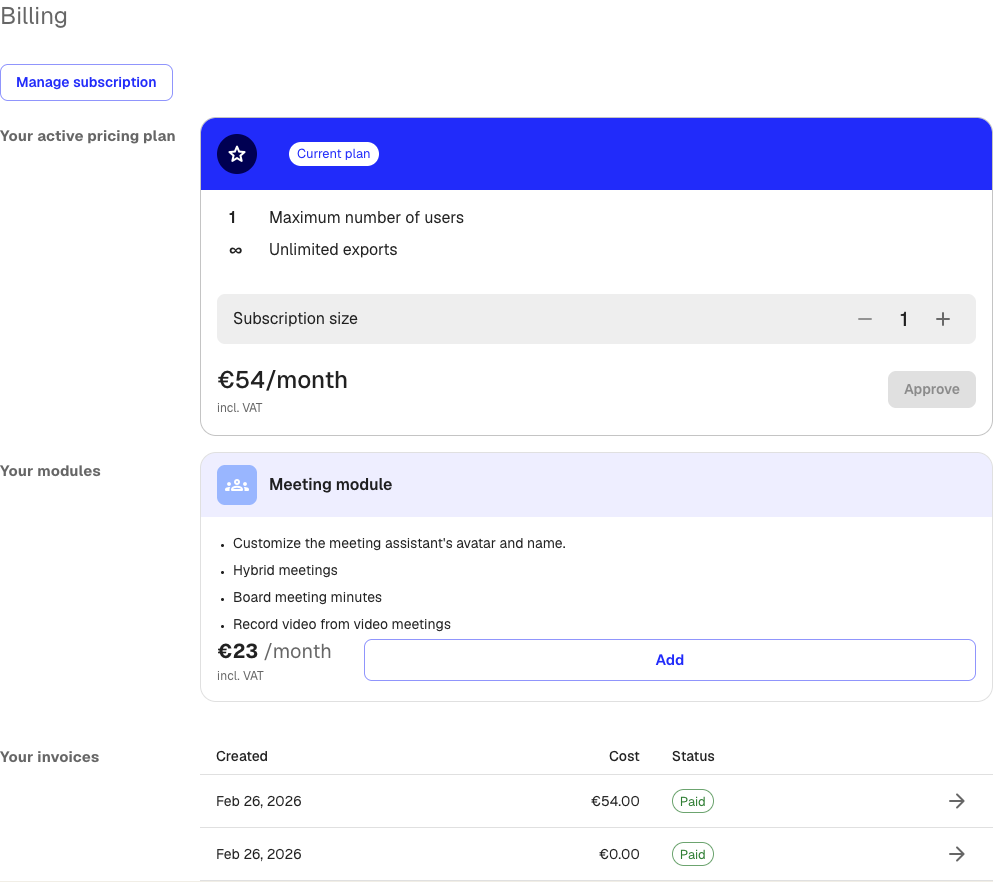
- In the billing portal, find your current plan and select the option to change the billing interval
- Choose monthly or yearly and confirm the change
The change takes effect at the start of your next billing period. You are not charged twice. The remaining balance from your current period is applied to the new interval.
Why switch to yearly billing
Yearly billing is often cheaper per month compared to paying monthly. Check the billing portal to see the exact pricing for your plan.
Good to know
- Switching interval does not affect your data, team members, or add-ons
- Your current billing period runs to its end before the new interval starts
- You can switch back at any time using the same steps
Was this article helpful?
Your feedback helps us improve our documentation.
Suggested Articles
Need more help?
Our support team is here to help you.